 Quoted on SEO and content by the Shopify blog, MarTech, and other industry-leading publications

- 1. Google Merchant Center
- 2. Google Analytics 4
- 3. Google Search Console
- 4. Screaming Frog
- 5. Ahrefs
- 6. SE Ranking
- 7. Clearscope
- 8. Google PageSpeed Insights
- 9. Schema.org
- 10. Microsoft Clarity
- 11. Bing Webmaster Tools
- 12. MentionMatch
- 13. Yoast SEO
- 14. TinySEO
- 15. WebP Image
- 16. Judge.me
Table of Contents
This is the stack we use to run SEO for ecommerce clients.
Some of these tools are free, some aren’t, but all of them help us turn organic search into a major growth channel for our clients.
We asked a few friends in the industry for their favorites too, and you’ll see those sprinkled throughout.
Key Takeaways
- The tools that matter most for ecommerce SEO aren’t always the ones that get the most attention. Google Merchant Center, for example, directly affects which products show up in search, and most stores don’t treat it as an SEO tool.
- A complete ecommerce SEO stack covers more than keyword research and technical audits. You need tools for behavior analytics, review management, image compression, and product feed health.
- Google’s free tools are some of the best ecommerce SEO tools available. Merchant Center, Search Console, GA4, and PageSpeed Insights should be running before you spend a dollar on anything else.
1. Google Merchant Center
Google Merchant Center is the product feed tool we check first when an ecommerce client’s products aren’t showing up in search. It’s a free tool that flags issues with your product listings.
We use it to catch disapproved listings before they pile up and spot product info mismatches between the feed and the site. For a deeper look at how feed health fits into our audit process, read our breakdown of ecommerce technical SEO.
2. Google Analytics 4
Google Analytics 4 is the analytics platform we use to measure how organic traffic is turning into revenue. It tracks which pages bring shoppers in, what those shoppers do next, and whether they buy.
That last part is the reason it’s central to our toolbox. Rankings and traffic are easy to report, but GA4’s conversion data is what tells us whether the SEO work is paying for itself.
“It’s hard to beat Google Analytics when it comes to understanding website traffic and user behavior. We use it extensively to track visitor data, which informs many of our SEO decisions. It’s essential for understanding what’s working and what needs improvement” – Kate Ross, PR & SEO Specialist at Irresistible Me
Listen to Kate and other ecommerce leaders share their insights on our podcast, Customer Growth Sessions
3. Google Search Console
Google Search Console is where we get search data straight from the source. It shows the queries your pages rank for, the clicks they earn, and any crawl or indexing problems Google found on your site.
Whenever we publish a new article, we use GSC to get it indexed right away. We also use it to find pages that dropped out of the index, sitemaps that stopped loading, and spikes in crawl errors.
GSC catches all of it, and it’s free.
4. Screaming Frog
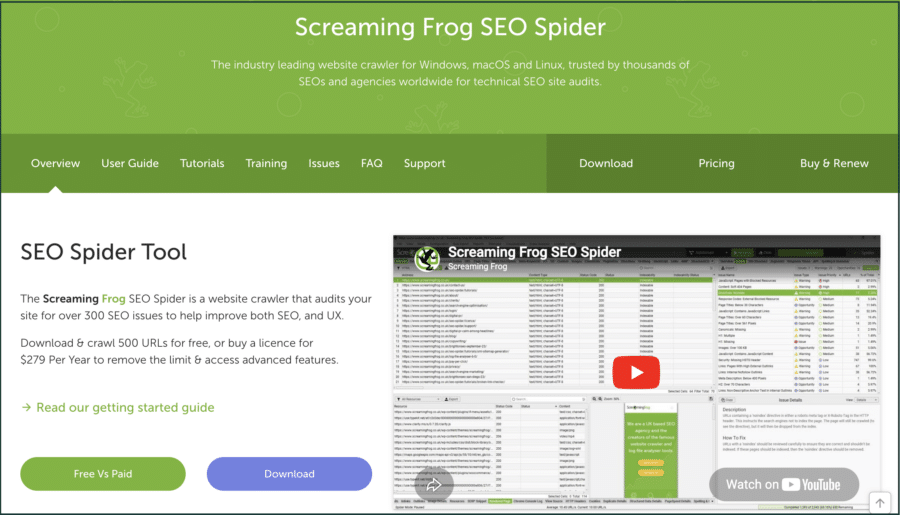
Screaming Frog is the website crawler we run at the start of every technical audit for our ecommerce clients (and every client, really). It crawls a store the way Google does and flags what’s broken: 404s, redirect chains, duplicate pages, missing metadata, etc.
We also use it for redirect mapping during domain migrations and URL restructures. For a store with thousands of product pages, it’s the fastest way to see every URL in one place.
5. Ahrefs
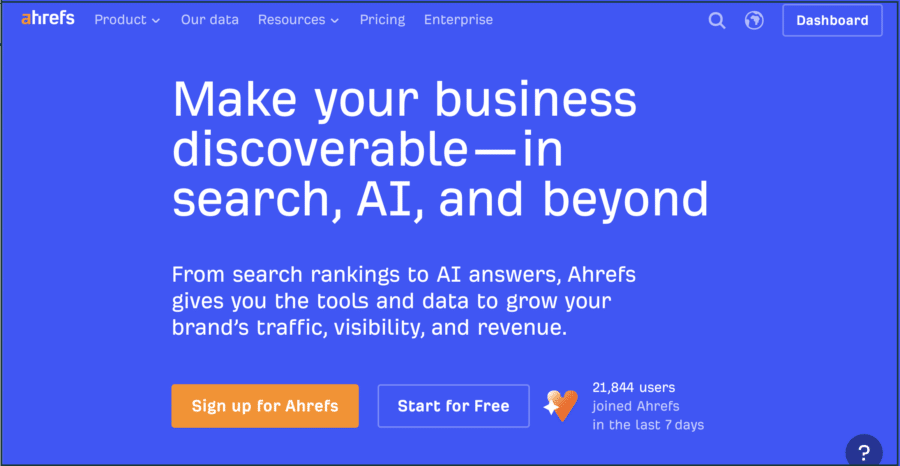
Ahrefs is the paid SEO platform we use most. We use it for keyword research, competitor analysis, backlink analysis, rank tracking, and site audits, among other things.
For ecommerce clients, we lean on it to find the keywords that people type into the search bar before they buy something (rather than keywords that people search for when they just want to read information).
Semrush does most of the same things, and either one will serve you well.
“We use [Ahrefs’] dashboard for almost everything related to SEO, especially monitoring and tracking competitive keywords for our industry and seeing how we measure up to our competitors at a similar scale.Ahrefs also helps us identify content that can be optimized on our website that may have been neglected or missed and generally contributes to many of our site optimization efforts.” – Kevin Miller, American Business Award Entrepreneur of the Year
6. SE Ranking
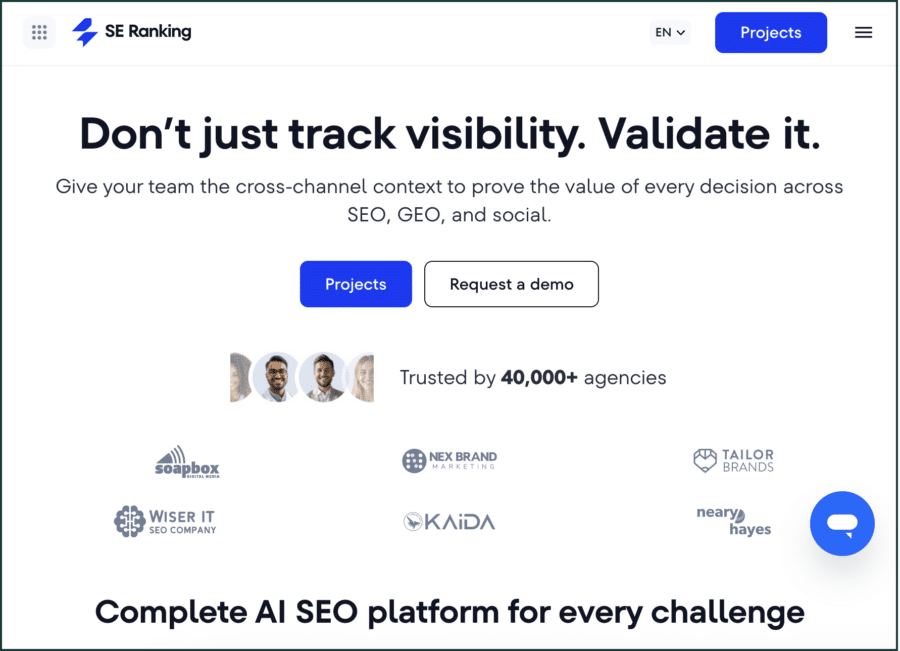
SE Ranking is the rank tracking tool we use to monitor keyword positions and set up automated weekly reports. It’s an underdog competitor to bigger all-in-one platforms, but we’ve found the tracking data to be more reliable.
It doubles as a technical SEO audit tool. We use it to flag broken links, keyword cannibalization, and other issues between full Screaming Frog crawls.
7. Clearscope
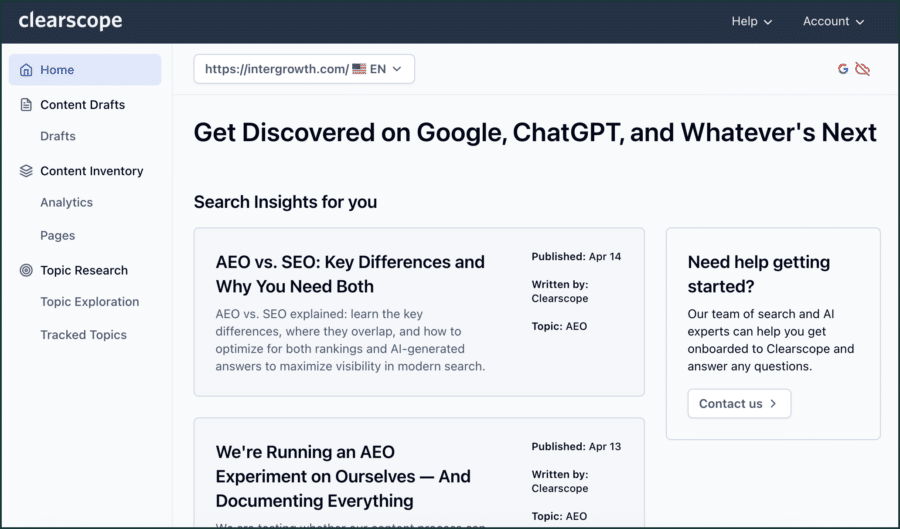
Clearscope is a content optimization tool that shows the semantic keyword groups a page needs to satisfy the target keyword’s search intent. We run every article we write through it, including this one.
The team at Clearscope has rolled out a bunch of AI writing features recently, but we find it’s most valuable when used to optimize human-written content.
8. Google PageSpeed Insights
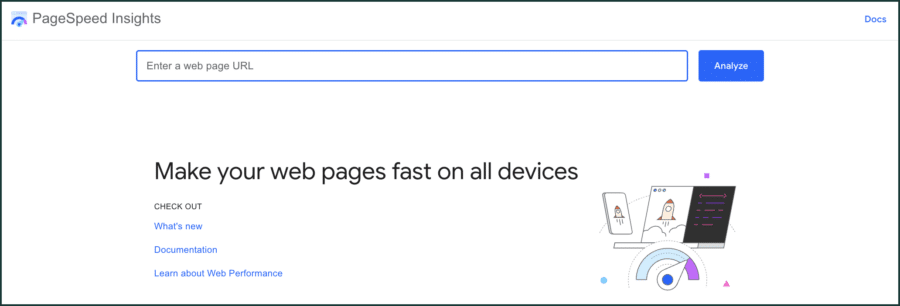
PageSpeed Insights is a free tool that we use to measure site speed and Core Web Vitals. Enter a URL and it scores the page on mobile and desktop, then lists what’s slowing it down.
We run it on product and category pages (PDPs and PLPs), not just homepages, because that’s where slow load times cost sales. If you want the same data inside your browser, Google Lighthouse runs the audit from Chrome DevTools.
Related: How to Run an Ecommerce SEO Audit Using Only Google
9. Schema.org
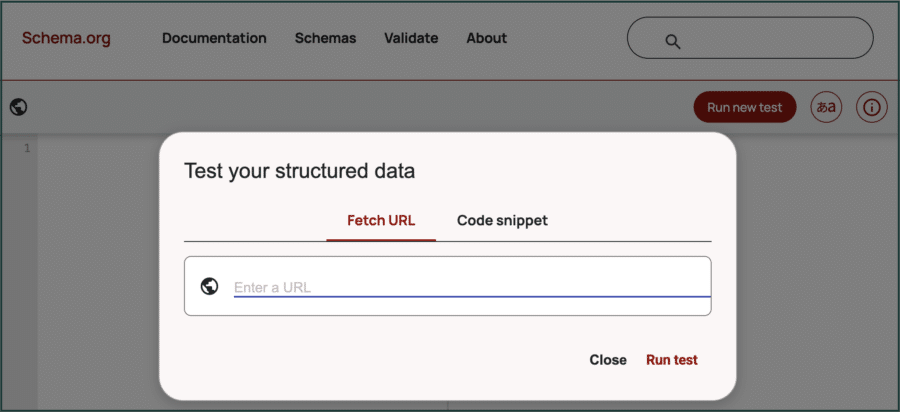
Schema markup is important to ecommerce SEO because it enables search engines to show product information like shipping times, availability, and star ratings.
We use Schema.org‘s free validator to check that a site’s structured data is working properly. Paste in a URL, and it flags errors in your schema markup before Google finds them.
10. Microsoft Clarity
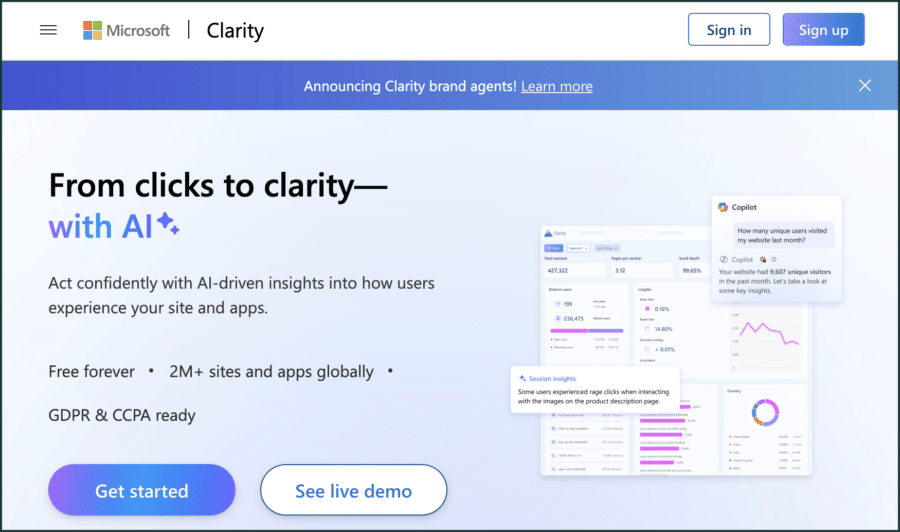
A free competitor to Hotjar, Microsoft Clarity is a behavior analytics tool that records heatmaps, scroll maps, and session replays. We find it particularly useful when a site’s traffic is up but sales are down.
Some SEOs would call that CRO work and hand it to another team. We treat it as part of the job, because rankings don’t matter if the page doesn’t convert.
11. Bing Webmaster Tools
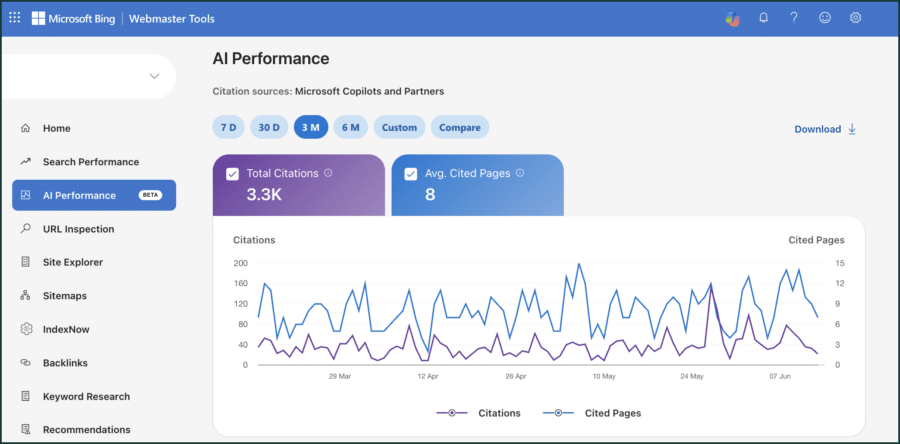
Bing Webmaster Tools is Microsoft’s version of Google Search Console. Like GSC, it’s free and tracks clicks and impressions in Bing’s search engine.
The most valuable feature of Bing Webmaster Tools is the recently launched AI performance tracker, which shows you the queries your pages are getting cited in on platforms like ChatGPT and Microsoft Copilot.
Interested in AI and the future of search? Check out these articles:
12. MentionMatch
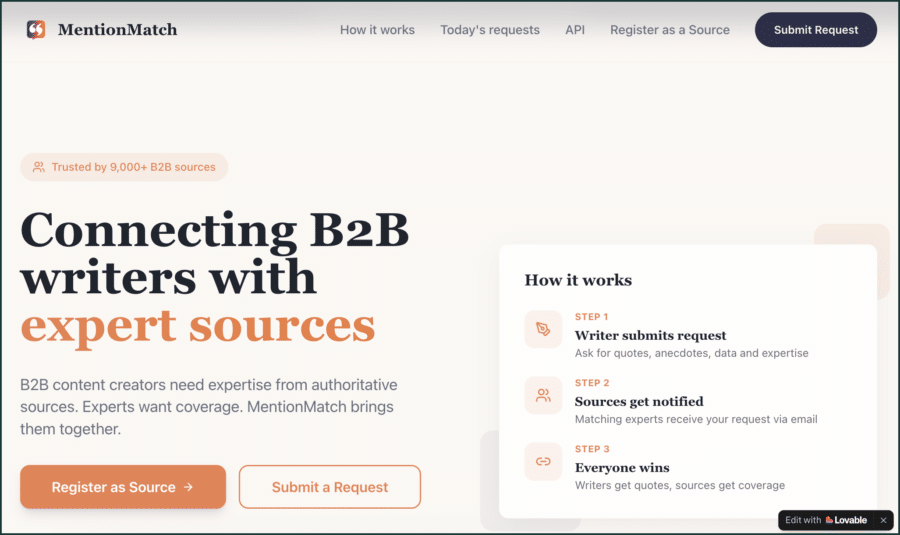
MentionMatch is a link building platform that connects journalists and writers with expert sources. We use it to earn brand mentions and backlinks for ourselves and our clients.
A writer requests a quote, you respond with genuine expertise, and you earn a mention in their article. Help a Reporter Out works the same way if you want more options.
13. Yoast SEO
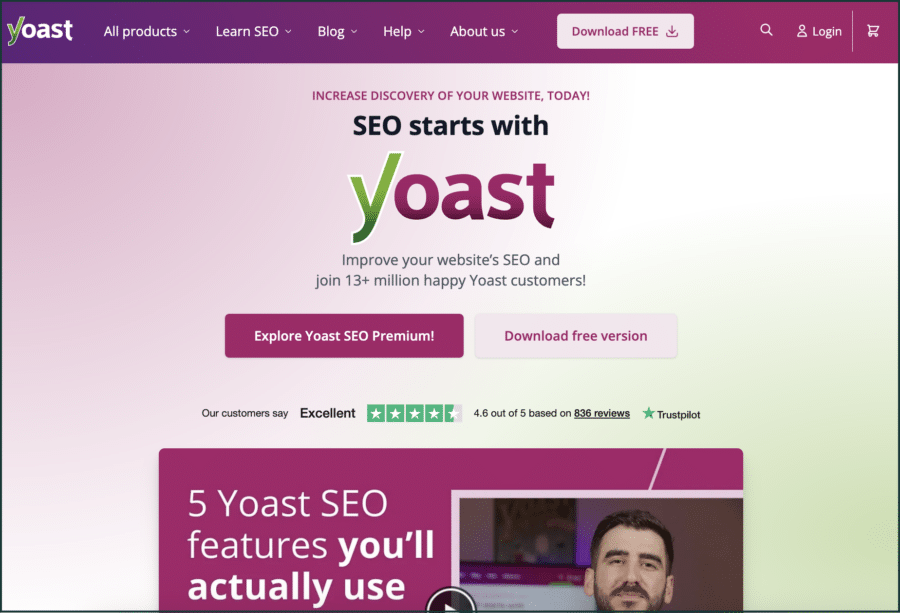
Yoast SEO is a WordPress plugin we install on every WordPress site we manage. We use it to set up redirects, manage title tags and meta descriptions, and generate XML sitemaps automatically.
The free version handles most of what a WooCommerce store needs.
14. TinySEO
TinySEO is a Shopify app that compresses images across your store. Oversized images are the most common cause of slow product pages, and this app fixes them in bulk without a developer.
Image optimization is one of the cheapest site speed wins available. This is the tool we use to get it.
15. WebP Image
WebP Image is another Shopify app, and it converts your product images to WebP format. WebP files are smaller than JPEGs and PNGs at the same quality, so pages load faster.
It pairs well with TinySEO. Compress first, convert second, and watch your Core Web Vitals scores improve.
16. Judge.me
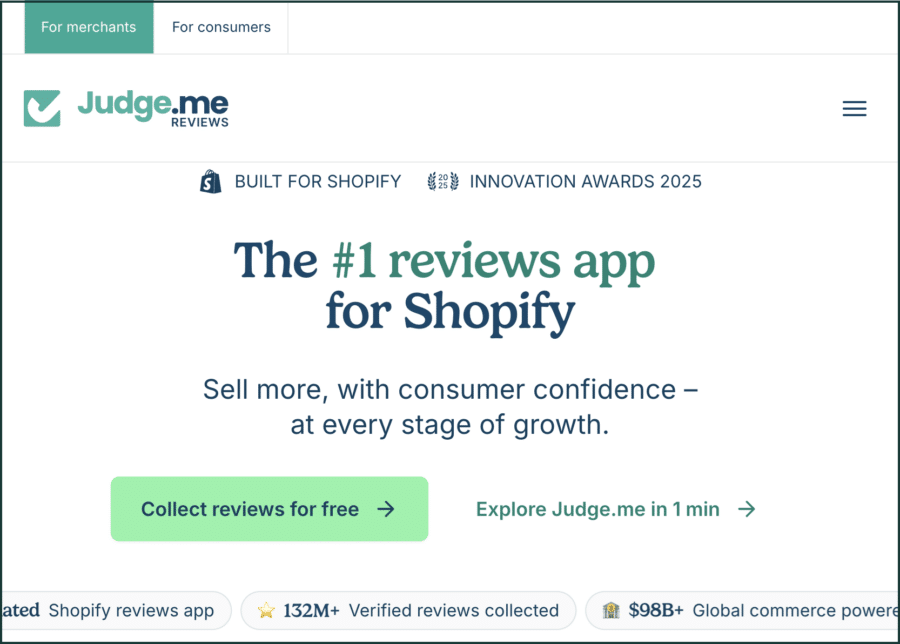
Judge.me is a review app that makes sure every product on your store shows reviews. It pulls in star ratings and testimonials where none exist and prompts shoppers to leave their own reviews after a purchase.
Reviews feed your review schema, which puts star ratings in search results. They also give AI search tools evidence that your store is worth recommending.
Conclusion
You don’t need all sixteen of these tools. Start with the free ones from Google: Merchant Center, Search Console, GA4, and PageSpeed Insights.
Add the paid tools as you start to need them over time. The stack matters less than the habit of actually opening these tools and using their data to make decisions.
And if you’re looking for someone to help you with ecommerce SEO, get in touch!
Intergrowth® helps brand-focused B2C companies get more customers from SEO, content marketing, and Meta Ads.
We’d love to help you too.
SCALE YOUR ORGANIC TRAFFIC
Subscribe to our monthly newsletter